iPhone — in stores and online
In stores, on websites, and in apps — wherever Apple Pay is accepted

Add your card to Apple Wallet and pay with iPhone or Apple Watch — no plastic card needed
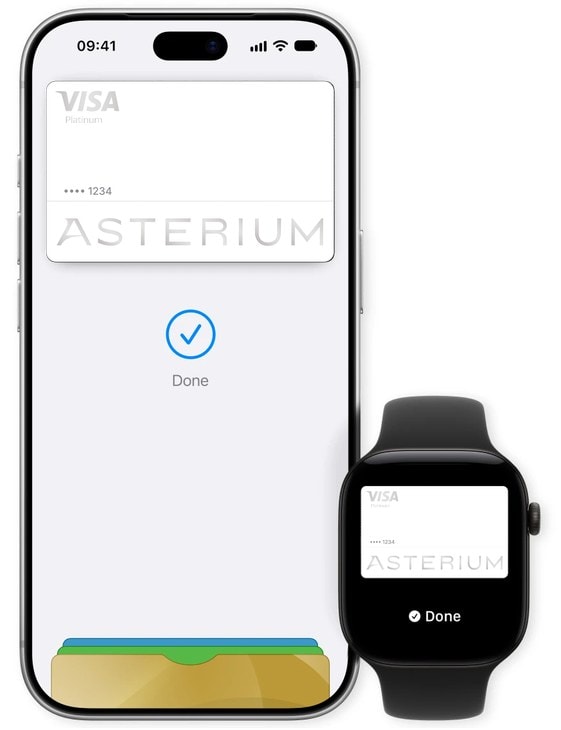
In stores, on websites, and in apps — wherever Apple Pay is accepted
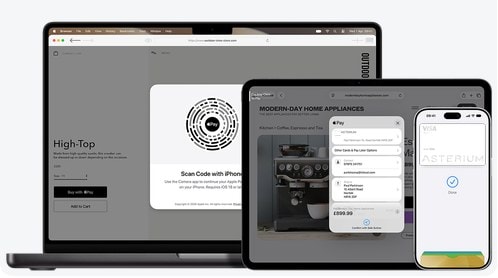
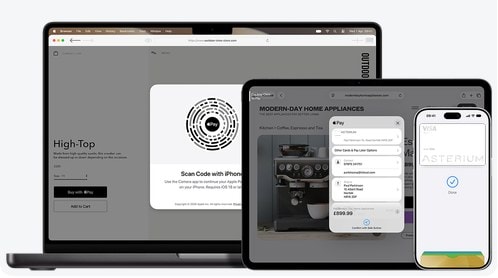
Check out on websites and in apps without entering your card details
Just hold your watch near the terminal

This requires Face ID, Touch ID, or your passcode
Payments use a unique Device Account Number instead of your card number
Apple doesn't share your card number with merchants

Asterium Visa and Mastercard cards — physical and virtual — can be added in two ways:
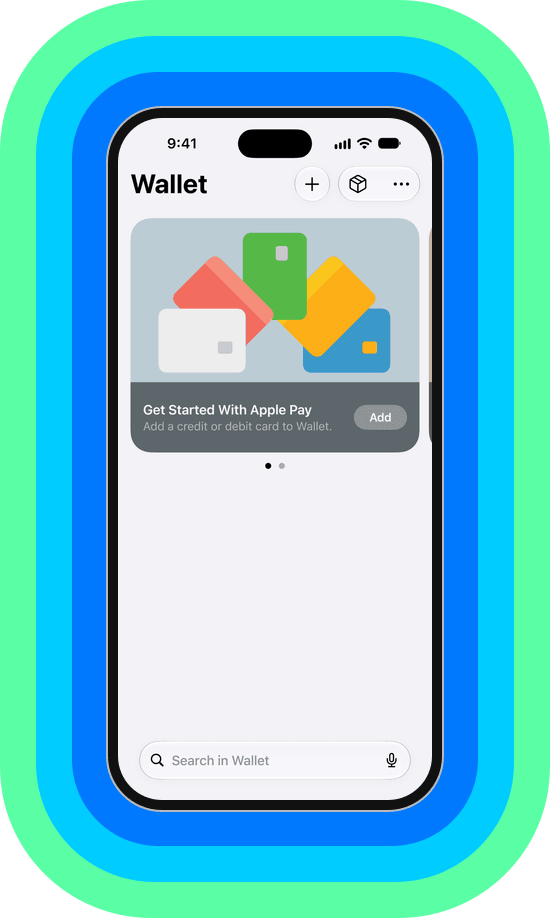
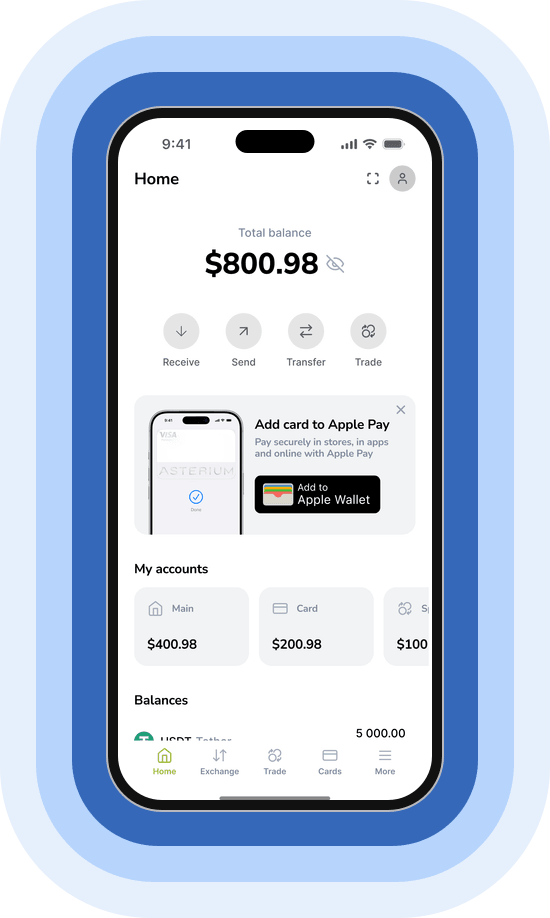
To pay with Apple Watch, add your card in the Watch app on iPhone
Apple Pay is an easy, secure, and private way to pay with iPhone, Apple Watch, iPad, and Mac in stores, on websites, and in apps
Get a Visa or Mastercard in the Asterium Wallet app and add it to Apple Wallet

Apple Pay requires a supported card from a participating issuer. Check with your bank for card compatibility. Apple Pay is not available in all countries or regions. Features are subject to change. Some features, applications, and services may not be available in all regions or all languages and may require specific hardware and software.
Apple, Apple Pay, Apple Watch, Apple Wallet, Face ID, iPad, iPhone, Mac, and Touch ID are trademarks of Apple Inc., registered in the U.S. and other countries and regions.